
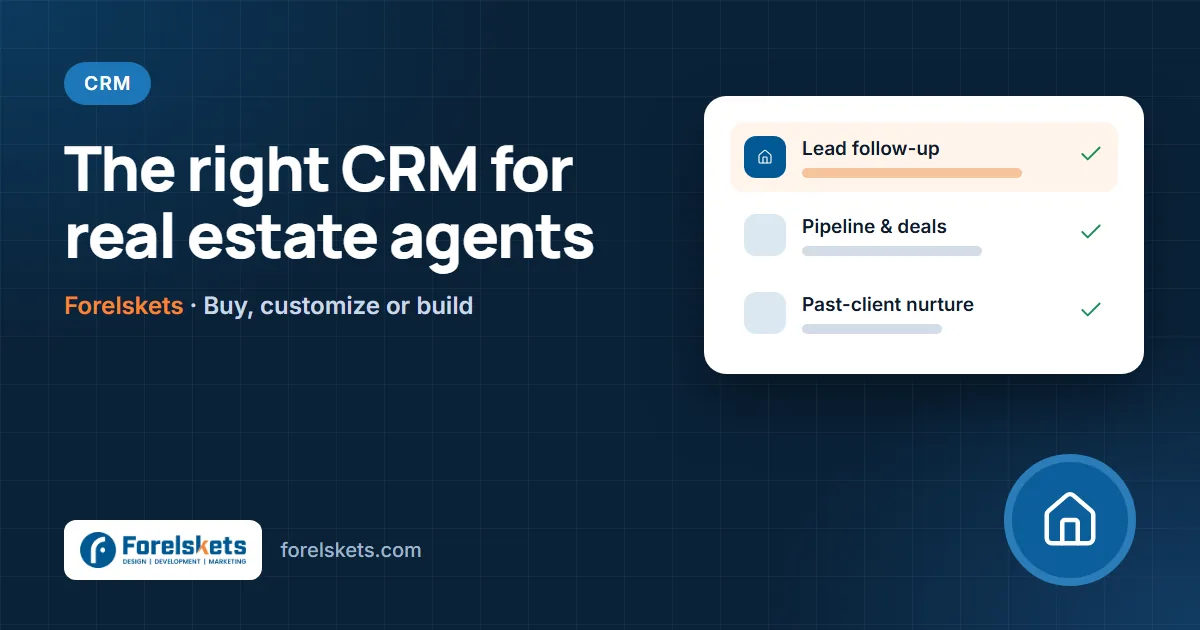
A CRM for real estate agents should do three things well: capture every lead from every source instantly, make follow-up automatic so no one is forgotten, and keep past clients engaged so they come back and refer others. Solo agents usually get the most value from a ready-made real estate CRM; teams and brokerages often need customization and integrations; and large or unusual operations sometimes justify a custom build.
This guide explains the features that matter, how to choose between buying, customizing and building, and how to set up a CRM so deals stop slipping through the cracks.
Why real estate agents lose deals without a CRM
Real estate leads arrive from many places — listing portals, your website, social media, open houses, sign calls and referrals. Without one system, they end up in inboxes, notebooks and phone contacts. The result is predictable:
- Slow replies to online leads, who often contact several agents at once.
- Follow-ups that stop after one or two attempts, even though many buyers take months to decide.
- Past clients who never hear from you again — and refer their friends to someone else.
- No way to tell which lead sources actually produce closings.
Must-have features in a real estate CRM
| Feature | What it does | Why it matters |
|---|---|---|
| Lead capture from all sources | Pulls in leads from portals, website forms, ads and calls | Every lead is recorded with its source |
| Instant routing | Assigns new leads to the right agent by area, price range or rotation | Speed to lead decides who gets the first conversation |
| Automated follow-up | Sends text and email sequences until the lead replies | Keeps long-term buyers warm without manual effort |
| Pipeline and transactions | Tracks stages from first contact to closing | Shows what is closing this month and what needs attention |
| Tasks and reminders | Calls, showings, documents and deadlines | Nothing depends on memory |
| Past-client nurturing | Anniversaries, market updates, check-ins | Repeat and referral business |
| Reporting | Leads, conversion and commission by source and agent | Spend money where it earns the most |
| Mobile app | Full access from showings and open houses | Agents update records in the field |
Option 1: Buy a ready-made real estate CRM
Many CRMs are built specifically for agents and teams, with portal integrations, drip campaigns and transaction pipelines out of the box. This is usually the right choice when:
- You are a solo agent or a small team.
- Your process is fairly standard: capture, follow up, show, offer, close, nurture.
- You want to start in days, not months.
Before you choose, check which lead sources it connects to, how texting works, whether it fits your brokerage’s tools, and how easy it is to export your data if you ever switch.
Option 2: Customize and integrate
Many growing teams keep a ready-made CRM but add custom pieces around it. Common examples:
- Website integration — property enquiries and valuation requests arrive with the listing or area attached.
- Phone and texting — calls logged automatically with recordings or summaries.
- Lead routing rules — by neighbourhood, language, price range or agent availability.
- Ad tracking — closed deals sent back to Google and Meta ads so campaigns optimise for real clients.
- Reporting dashboards — commission by source, agent and month.
We explain the broader buy-versus-build trade-off in our guide to custom CRM vs Salesforce vs HubSpot.
Option 3: Build a custom real estate CRM
A custom CRM is built around exactly how your team or brokerage operates. It makes sense when:
- You run a large team or brokerage and per-user licences are a major cost.
- You combine sales with property management, rentals, new-build sales or investment services.
- You need a client portal where buyers and sellers see documents, showings and progress.
- You want full ownership of your data and processes.
The trade-off is responsibility: hosting, security and improvements are yours, so choose a partner who supports the system after launch. See our CRM development services for how we approach this.
How to set up a real estate CRM so it actually gets used
- Define your pipeline stages — for example New lead, Contacted, Appointment set, Showing, Offer, Under contract, Closed, Past client.
- Connect every lead source and tag each lead with where it came from.
- Set routing rules and response targets — who gets which leads, and how quickly they must reply.
- Create follow-up sequences for buyers, sellers and past clients, written in your voice.
- Import and clean your database — merge duplicates and tag past clients.
- Train the team with real examples and review usage weekly for the first month.
Follow-up sequences that work for agents
New online buyer lead
- Minute 1: personal-sounding text confirming the property or area they asked about.
- Hour 1: call attempt, then email with similar listings.
- Days 2–14: short check-ins with useful information, not pressure.
- Monthly after that: new listings and market updates for their area until they reply or opt out.
Seller valuation request
- Same day: call and confirm the property details.
- Within 48 hours: a clear valuation range and what affects it.
- Ongoing: local sales updates and a check-in before peak listing season.
Past clients
- Home-purchase anniversary messages.
- Quarterly neighbourhood value updates.
- An occasional, genuine request for referrals and reviews.
Using AI inside your real estate CRM
AI can now handle much of the routine work: drafting personalised replies, summarising calls, qualifying leads by budget and timeline, and reminding agents who to call today. An AI automation layer on top of your CRM can reply to new leads in minutes, day or night, and hand them to an agent as soon as they are ready to talk.
Measuring what matters
- Speed to lead — average time to first reply.
- Lead-to-appointment rate by source.
- Appointment-to-close rate by agent.
- Commission by lead source — the number that tells you where to spend.
- Repeat and referral share — how well past-client nurturing works.
Common mistakes
- Buying a CRM before agreeing on your pipeline and follow-up process.
- Leaving portal leads outside the CRM "because they have their own inbox".
- Automated messages that sound robotic or arrive too often.
- Never marking deals as closed, so reports cannot show which sources pay.
- Ignoring past clients — usually the cheapest source of new business.
Integrations that matter most for agents
| Connect your CRM to | So that |
|---|---|
| Listing portals and your IDX website | Property enquiries arrive with the listing attached and the right agent is alerted |
| Phone and SMS | Calls and texts are logged automatically and missed calls trigger a follow-up |
| Calendar and showing tools | Showings, open houses and appointments appear on the contact record |
| Transaction management | Deadlines, documents and conditions are tracked through to closing |
| Email marketing | Market updates and new listings go to the right segments |
| Ad platforms | Closed deals are sent back so campaigns find more real buyers and sellers |
Solo agent, team or brokerage: what changes
- Solo agents need speed and simplicity: fast lead capture, a mobile app, automatic follow-up and a past-client list they actually use.
- Teams add lead routing, shared pipelines, accountability reports and rules for who follows up when an agent is unavailable.
- Brokerages need permissions across offices, recruiting pipelines, compliance records and reporting by office and agent — often the point where customisation or a custom build pays off.
Keeping client data safe
Buyers and sellers share financial details, addresses and timelines. Limit access by role, use strong passwords and two-factor authentication, avoid storing sensitive documents in plain email, and make sure you can export and delete data when clients ask. If you build a custom CRM, insist on encrypted backups and audit logs.
A 30-day CRM launch plan
- Week 1: agree pipeline stages, fields and lead sources; clean your contact list.
- Week 2: connect portals, website, phone and calendar; set routing rules.
- Week 3: write buyer, seller and past-client sequences; test them on your own phone and inbox.
- Week 4: train the team, switch fully to the CRM, and review speed-to-lead and follow-up every Friday.
Getting help
Forelskets builds and integrates CRMs for real estate agents, teams and brokerages in the USA, Canada and Australia, and connects them to websites, ads and phone systems. If you also want more leads, see our guide to real estate SEO and Google Ads, or talk to us about CRM development.
Frequently asked questions
What is the best CRM for real estate agents?
The best CRM is the one your team uses every day. Solo agents usually do well with a ready-made real estate CRM; growing teams and brokerages often need customization or integrations; large or unusual operations sometimes benefit from a custom build.
What features should a real estate CRM have?
Lead capture from portals and your website, instant lead routing, automated follow-up by text and email, a transaction pipeline, task reminders, past-client nurturing and reporting on lead sources.
Is a custom CRM worth it for a real estate team?
It can be when your process is unusual, you need deep integrations with your website, phone system and transaction tools, or per-user licences for a large team become expensive. For most small teams, a ready-made CRM is the better start.
How fast should agents respond to new leads?
As fast as possible. Online leads often contact several agents, so a reply within minutes — automated if needed, then personal — gives you the best chance of the first conversation.
Can a CRM track which lead sources make money?
Yes, if every lead is tagged with its source and closed deals are recorded in the CRM. That lets you compare portals, ads, referrals and your website by commissions earned, not just lead volume.